
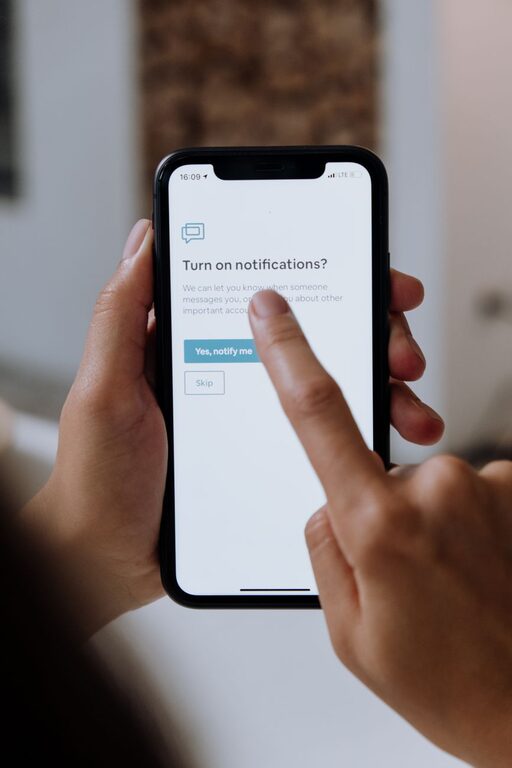
In today’s fast-paced digital world, notifications are everywhere — from smartphones and emails to social media and apps. While they keep us informed, constant alerts can also interrupt our day, increase stress, and distract us from important tasks. Setting clear boundaries with notifications is a key step toward reclaiming your focus and improving your well-being.
This article offers practical tips to help you balance staying connected without feeling overwhelmed by notifications.
Why Set Boundaries With Notifications?
Notifications are designed to grab your attention, but too many can lead to information overload and reduce your productivity. Frequent interruptions can disrupt deep work, increase anxiety, and make it harder to relax. By setting boundaries, you control when and how you receive alerts, giving you more control over your time and mental space.
Step 1: Audit Your Notifications
Before making changes, understand what notifications you currently receive.
– List the apps and platforms that send you notifications.
– Note which ones are essential for work or urgent matters.
– Identify notifications that are non-urgent or distracting.
This audit helps prioritize which alerts you want to keep and which can be turned off or customized.
Step 2: Customize Notification Settings
Most devices and apps allow detailed control over notifications.
– Turn off non-essential notifications: Disable alerts from apps that don’t require immediate attention.
– Use “Do Not Disturb” modes: Schedule quiet hours during work, sleep, or personal time.
– Set priority alerts: Allow only important contacts or apps to send notifications when in focus mode.
– Adjust alert types: Change sound alerts to silent or vibration if preferred, or use banners that don’t interrupt.
Step 3: Set Specific Times to Check Notifications
Instead of reacting to every alert instantly, plan dedicated times to review notifications.
– Turn off notifications during focus periods: Work in blocks without interruption.
– Check messages and emails at set intervals: For example, once every hour or twice daily.
– Avoid checking notifications first thing in the morning or last thing at night: This helps start and end your day with calm.
Step 4: Use Technology Tools Wisely
There are many tools designed to help manage notifications and digital distractions.
– Notification summaries: Some devices offer summaries of alerts delivered at scheduled times.
– Focus or productivity apps: Use apps that block or limit distractions during work sessions.
– Mute group chats or social media notifications: These can be major sources of distraction.
Step 5: Communicate Your Boundaries
Let colleagues, friends, and family know about your notification boundaries.
– Set expectations: Inform them if you won’t be responding outside of certain hours.
– Use status messages: Indicate when you’re focusing or unavailable on messaging platforms.
– Encourage alternative communication for urgent matters: For example, a phone call instead of a chat message.
Step 6: Regularly Review and Adjust
As your work and lifestyle change, your notification needs may also shift.
– Periodically revisit your notification settings.
– Adjust based on new apps or priorities.
– Reflect on what’s helping or hindering your focus and wellbeing.
Additional Tips for Managing Notifications
– Disable badge icons: Removing the red number alert on apps can reduce anxiety about unread notifications.
– Use vibration sparingly: Constant vibrations can be disruptive.
– Take breaks from screens: Limit notification exposure by stepping away from devices during breaks.
– Prioritize sleep hygiene: Avoid nighttime alerts to support better rest.
Benefits of Setting Boundaries with Notifications
Taking control of your notifications can build healthier habits, such as:
– Improved concentration and productivity
– Reduced feelings of stress or overwhelm
– Better work-life balance
– Enhanced quality of personal time and relationships
– More restful sleep and recovery
Conclusion
Notifications are valuable tools, but when unmanaged, they can become distractions. By auditing your notifications, customizing settings, scheduling check-in times, and communicating boundaries, you gain greater control over your digital environment. With these strategies, you’ll find more focus, calm, and balance in your daily life.
Start small and adjust along the way — setting boundaries with notifications is a continuous process that pays off in greater peace of mind.